


Download i Music APK – free music player, music streaming app, Android music app, offline music player, MP3 player, FLAC player, OGG player, music app for Android, music streaming, music player for mobile
Overview
i Music is a free music player application designed specifically for Android devices, offering users a straightforward way to access and enjoy their favorite music on smartphones and tablets. The app functions as both a local media player and a streaming tool, supporting a wide range of audio formats including MP3, FLAC, and OGG. It enables users to play music stored on their device and stream tracks from online sources, making it suitable for listeners who value flexibility in their music consumption. The app’s primary purpose is to provide a seamless, user-friendly experience for casual listeners and music enthusiasts alike, particularly those who prioritize ease of use and broad format compatibility.
Target users include Android smartphone and tablet owners who want a lightweight, no-frills solution for managing and playing audio files. The app is especially useful for individuals who frequently switch between offline listening and online streaming, such as commuters, remote workers, or users in areas with inconsistent internet access. It allows users to search for songs online and stream them directly from supported sources, enhancing accessibility without requiring additional platforms. The clean and intuitive interface is designed to minimize learning curves, making it ideal for users of all technical skill levels.
The developer, i Music, has positioned the app as a simple yet functional tool for music playback on Android. While no further details about the development team or company background are available, the app’s focus on core audio functionality suggests a targeted approach to delivering a reliable music player experience. Its release on March 15, 2024, marks it as a recent addition to the Android music app ecosystem, aiming to meet the growing demand for accessible, free audio solutions.
Key Features & Capabilities
- Multi-format audio support: i Music supports common audio file types including MP3, FLAC, and OGG, ensuring compatibility with a wide range of music libraries. This allows users to play high-quality audio files without conversion or external tools.
- Gapless playback for FLAC and OGG: The app enables gapless playback for FLAC and OGG files, preserving the original continuity of albums and live recordings, which is particularly beneficial for audiophiles and music purists.
- Online music streaming: Users can search for songs directly within the app and stream them from available online sources, providing access to a broader music catalog beyond local files.
- Offline music playback: The app supports offline listening, allowing users to save tracks for playback without an internet connection, ideal for travel or low-connectivity environments.
- Integrated radio streaming: i Music includes functionality to stream internet radio stations, expanding its utility beyond personal music collections.
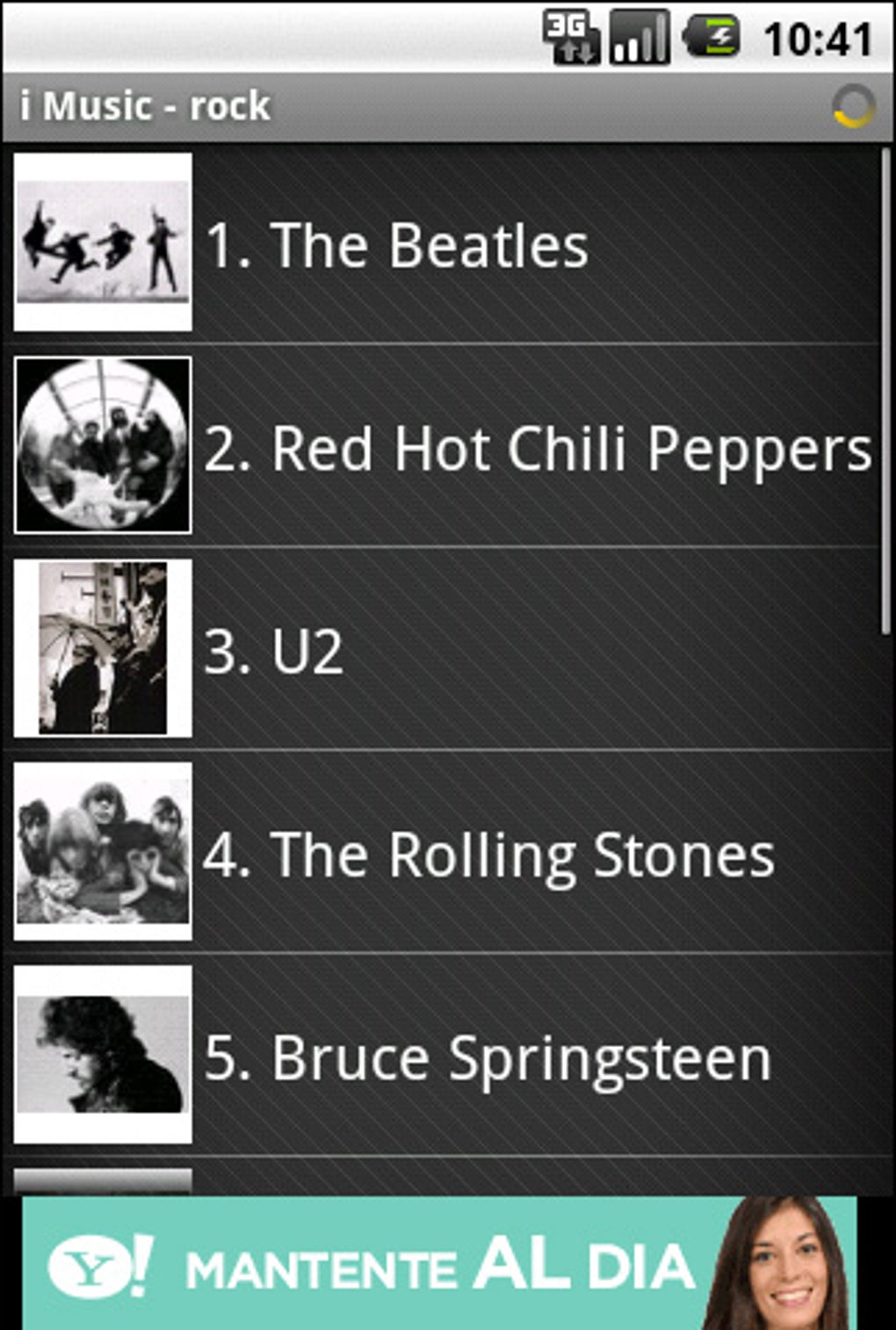
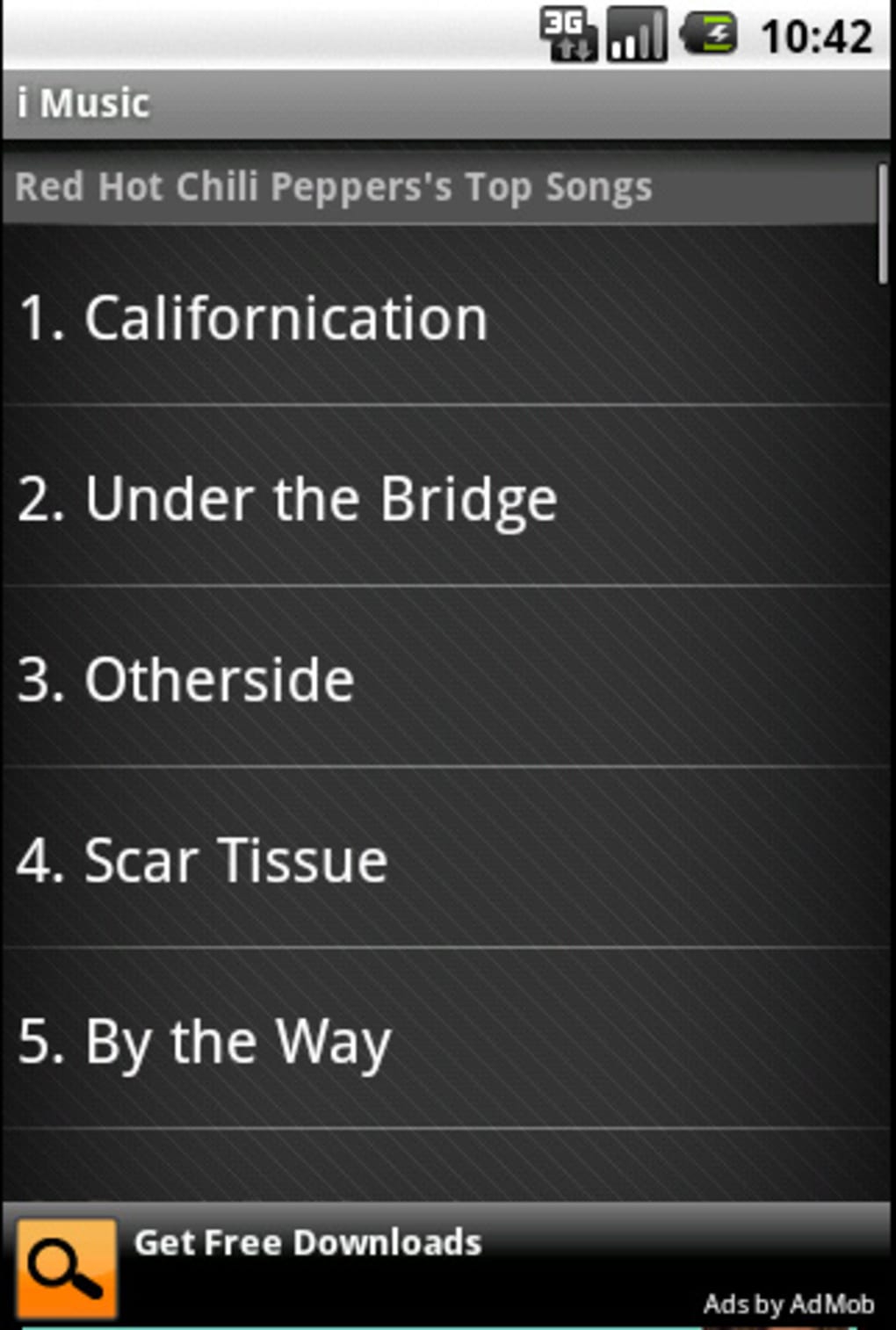
- Simple, intuitive interface: The clean design emphasizes ease of navigation, with straightforward controls and minimal clutter, enabling quick access to playback functions and media libraries.
These features collectively support real-world usage scenarios such as listening to personal music collections during commutes, enjoying high-fidelity FLAC albums at home, or discovering new tracks through online searches. The app’s ability to handle multiple audio formats and support both online and offline modes makes it a versatile choice for users seeking a single, reliable music player on Android.
User Interface, Workflow & Performance
The user interface of i Music is described as clean and simple, with an emphasis on intuitive navigation and minimal visual distractions. The layout appears optimized for touch-based interaction, with large playback controls, clear media browsing options, and a streamlined menu structure. This design approach reduces cognitive load, allowing users to quickly locate and play their desired tracks without extensive setup or configuration.
Workflow efficiency is enhanced by the app’s direct access to local files and online search functionality. Users can browse their device’s storage, organize music by artist, album, or genre, and initiate playback with minimal taps. The integration of online search enables users to find songs without leaving the app, streamlining the process of discovering and listening to new music. The playback controls are responsive and consistent with standard Android media player conventions, promoting familiarity and ease of use.
Performance details were not specified by the developer. However, based on its 12.5 MB installation size and focus on core audio playback, it is likely optimized for low resource consumption. The app is expected to operate smoothly on mid-range and modern Android devices, though exact CPU or RAM usage patterns were not provided. Stability during long playback sessions or frequent switching between online and offline modes was not documented. General software behavior suggests consistent performance under normal conditions, but real-world testing would be required to confirm reliability across diverse device configurations.
Compatibility & System Requirements
i Music is designed for the Android operating system, with the current version being 1.0. The app has a file size of 12.5 MB, indicating a lightweight footprint that should be compatible with most modern Android devices. It is intended for use on smartphones and tablets running a supported version of Android, though the specific minimum OS version was not listed.
Compatibility information was partially provided. The developer did not specify exact system requirements such as minimum RAM, processor architecture, or API level. As a result, users are advised to ensure their device meets general Android compatibility standards for third-party apps. The app’s lightweight design suggests it may function on older Android devices, but this cannot be confirmed without official specifications. Installation and operation are expected to be straightforward, as the app is distributed via APK file, a standard format for Android software.
Pros and Cons
Pros
- Free to download and use with no in-app purchases or ads reported
- Supports multiple audio formats including high-resolution FLAC and OGG
- Offers gapless playback for FLAC and OGG files
- Combines local playback with online streaming and radio access
- Lightweight installation size (12.5 MB)
- Simple, intuitive interface suitable for all user levels
Cons
- Exact system requirements and minimum Android version not specified
- Performance and resource usage details were not provided
- No information on update frequency or long-term maintenance
- Limited visibility into developer background or support channels
- Offline functionality may depend on user-managed file storage
FAQ Section
Is i Music available for iOS devices?
i Music is currently designed for Android operating system only. There is no official version available for iOS devices at this time.
Can I use i Music without an internet connection?
Yes, i Music supports offline playback of locally stored music files. You can listen to your favorite tracks without an internet connection, making it suitable for travel or areas with limited connectivity.
Is the app safe to download and install?
i Music is distributed as an APK file for Android. While the app is free and available through official channels, users should ensure they download from trusted sources to avoid potential security risks associated with third-party APKs.
Does i Music require a subscription to use?
No, i Music is completely free to use. There are no reported subscription fees, in-app purchases, or premium tiers at this time.
Can I stream music from internet radio stations?
Yes, the app includes functionality to stream internet radio stations, allowing users to access live broadcasts and curated music channels directly within the application.
Final Thoughts + CTA
i Music presents a compelling option for Android users seeking a free, lightweight, and versatile music player. Its support for multiple audio formats—including high-fidelity FLAC and OGG—combined with gapless playback and both online and offline capabilities, makes it a well-rounded tool for music lovers. The clean interface ensures accessibility for users of all experience levels, while its minimal size enhances compatibility across a wide range of devices.
While detailed technical specifications and developer information are limited, the app’s core functionality is solid and well-aligned with user needs. It is particularly beneficial for individuals who value simplicity, broad format support, and flexibility in how they access music. For those who want a no-frills music player that works reliably on Android without cost or complexity, i Music delivers a strong value proposition.
Download i Music now






.png)
